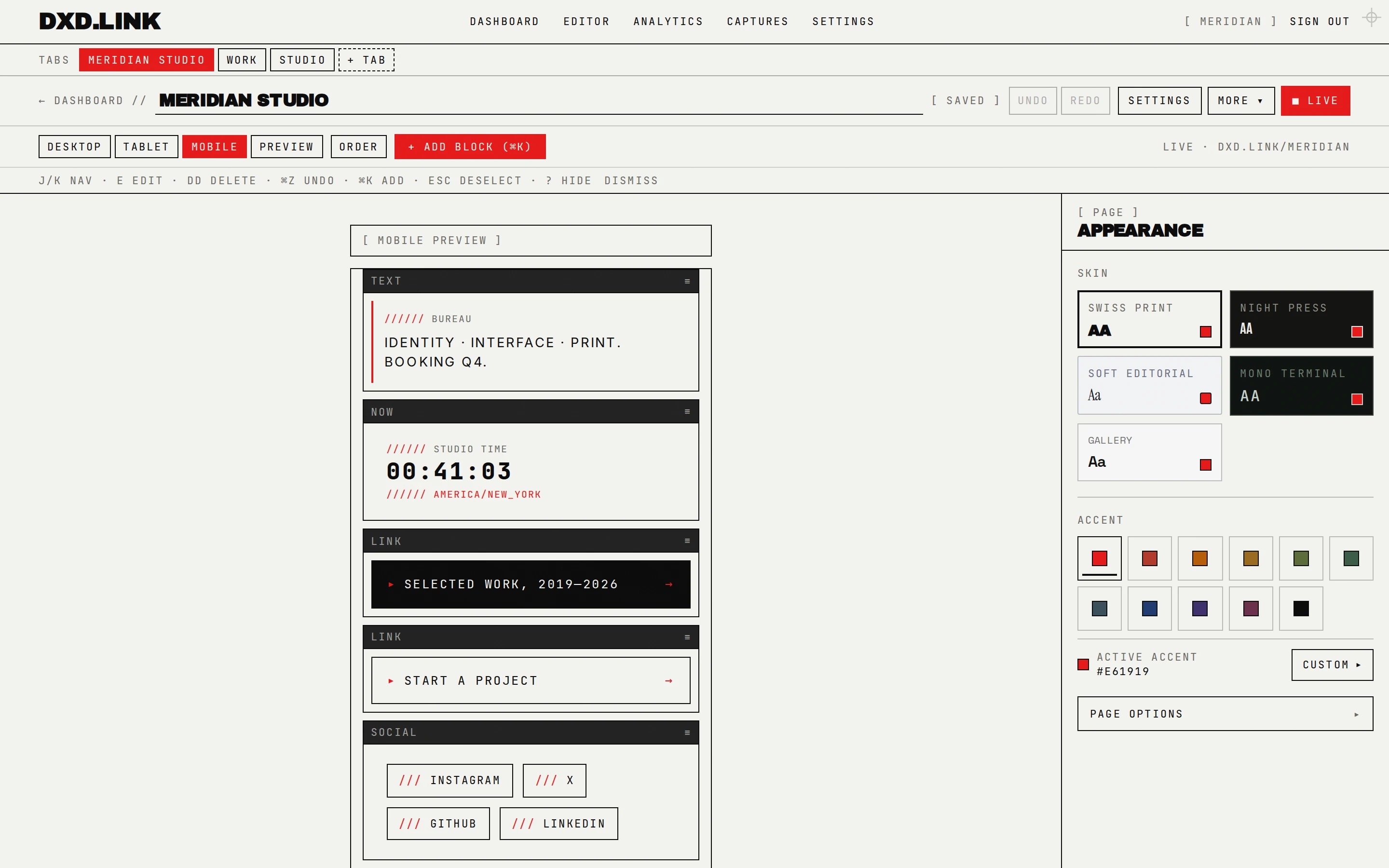
One handle, many pages
Keep the main tab as your social bio landing page. Add Work, Portfolio, Personal, or Press with one-click templates in the editor. Turn on public page tabs so visitors can move between them without hunting URLs.
FIG.01 — THE SUITE
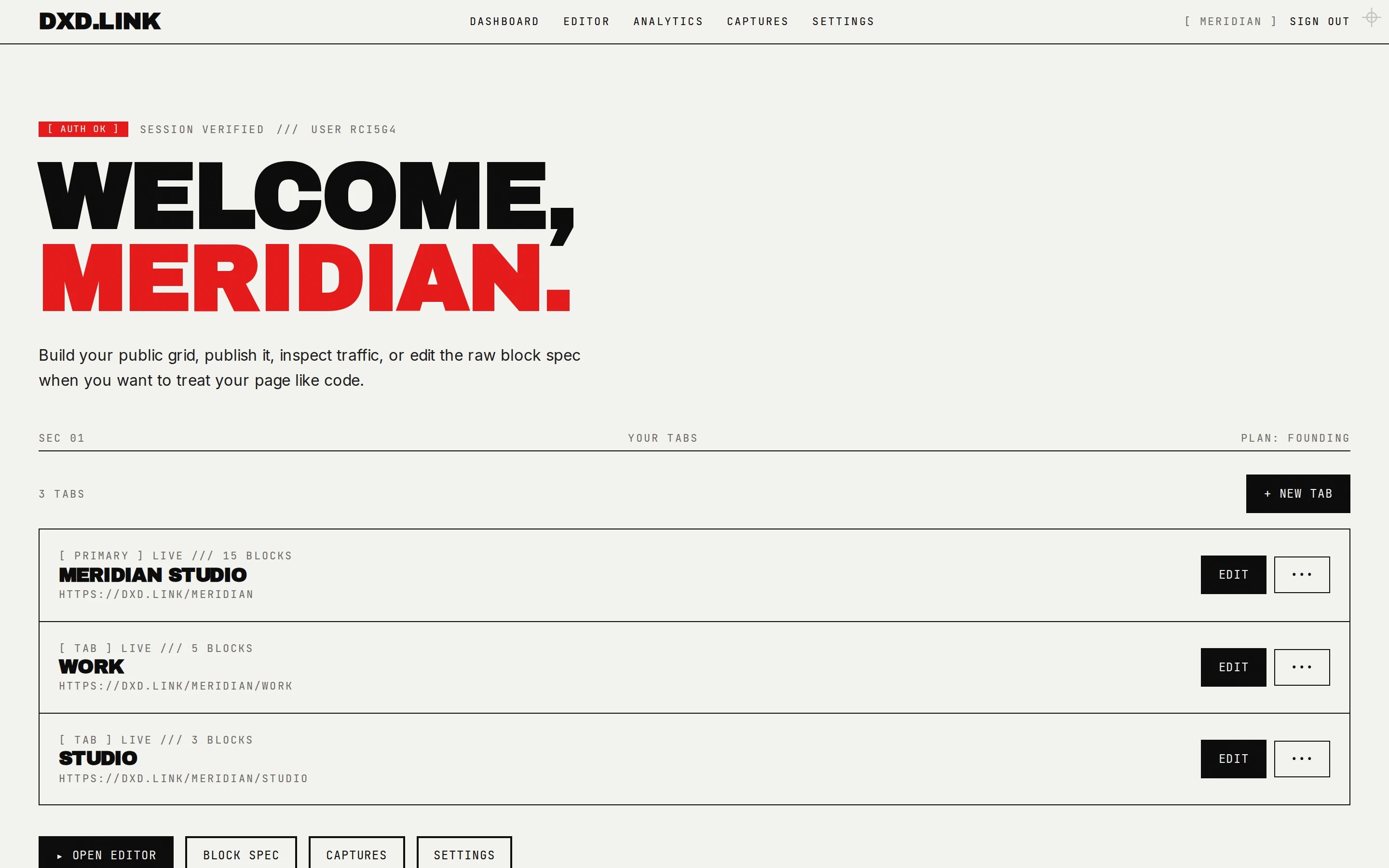
Scoped URLs
Secondary tabs live at dxd.link/you/work style paths. Share a specific tab when the context matches — a job application gets Work; a drop gets Links.
FIG.02 — SCOPED TAB
| Single-page bio | dxd.link tabs | |
|---|---|---|
| URLs | One scroll | Main + /work, /links, … |
| Context sharing | Same page for everything | Tab matches the link you send |
| SEO per context | One title/description | Per-tab SEO in Settings → SEO & tracking |
| Draft workflow | Edit live or not | Draft → publish per tab |
| Best for | Simple link lists | Creators with multiple hats |
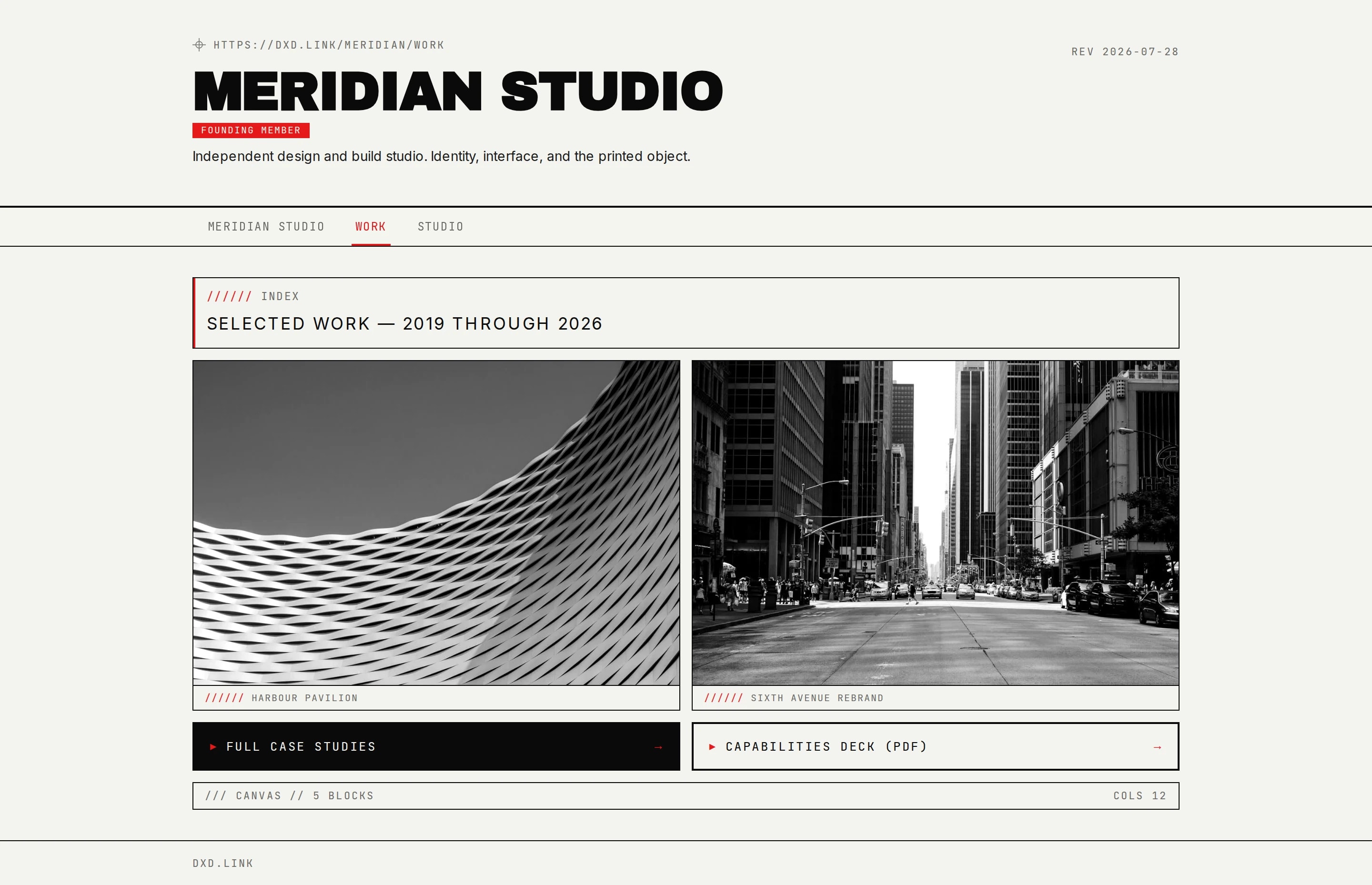
Draft before you go live
Each page has draft vs live snapshots. Edit freely, then publish when ready. Named layouts let you stash seasonal variants without losing the live page.
FIG.03 — DRAFT PER BREAKPOINT